
Orbit Flip: Ring Dodge
Tap, Dodge & Chase New Records
Tap to flip between two rings and dodge obstacles to test your timing and reflexes.
Orbit Quick Flip is a reaction time game for iPhone and iPad. Each tap flips your dot between an inner and an outer ring, and you time each flip to dodge obstacles. It is a game, not a clinical test of reaction time, and it does not measure your health.
Orbit Flip screenshots
Swipe →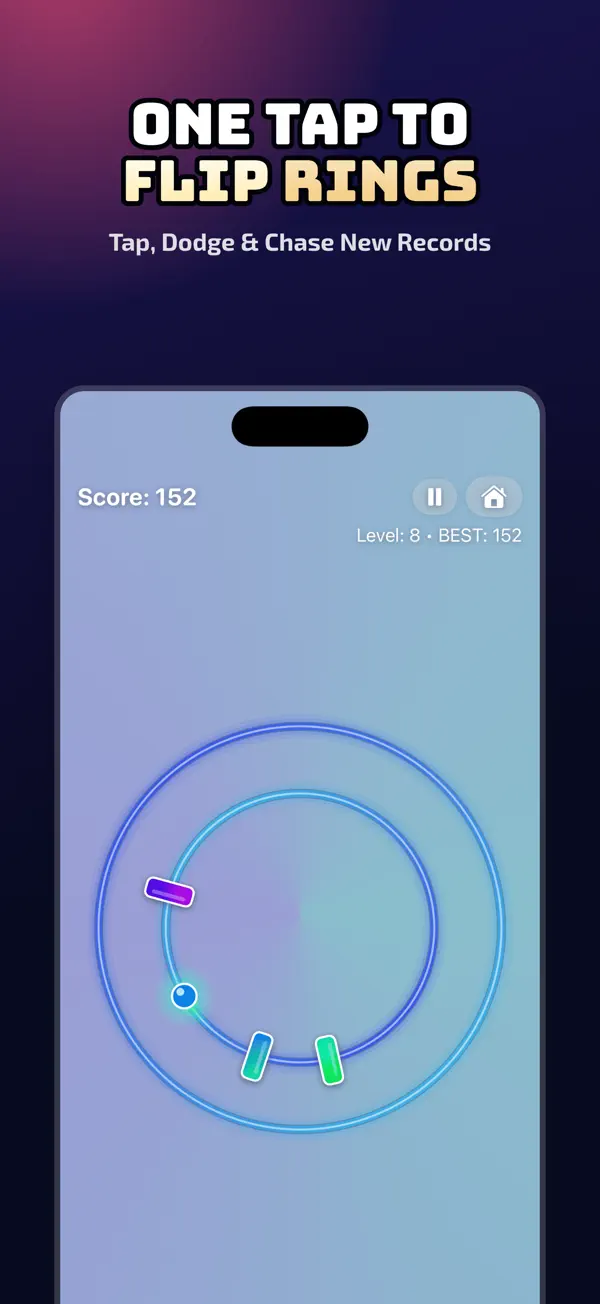




What Orbit Flip does
Reaction time is the delay between seeing a signal and responding to it. A game cannot give a medical reading of that delay. It can, however, give you a fast task that asks for quick decisions, clear feedback and a score you can compare over days. That makes a reaction time game a useful practice tool.
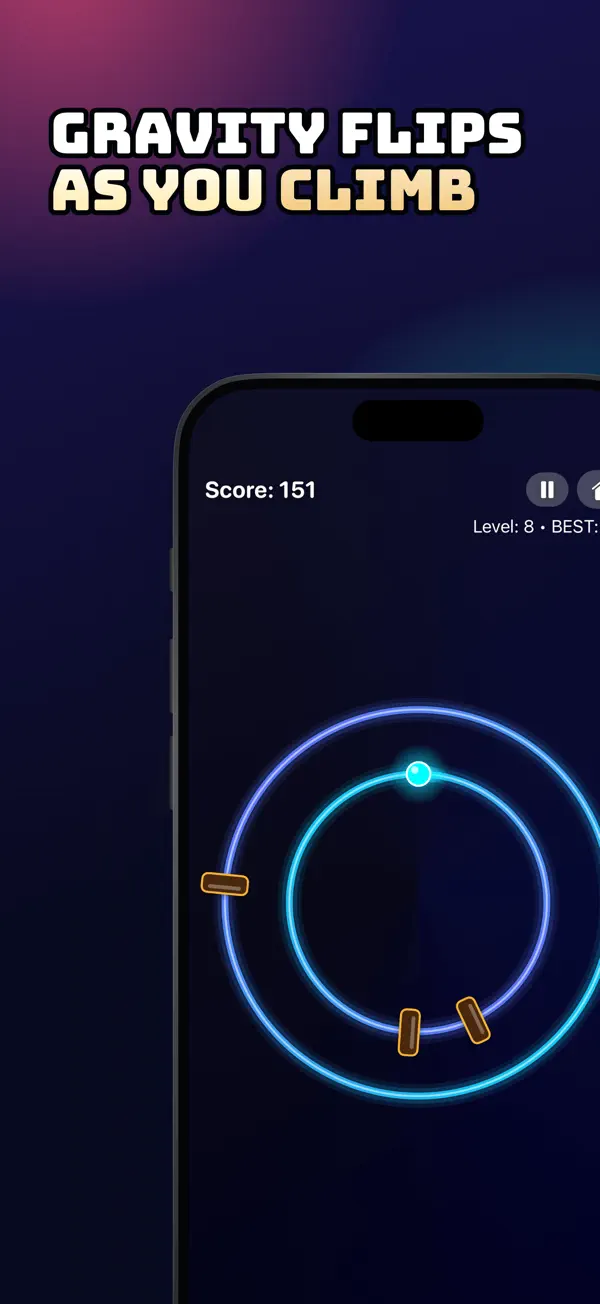
The game is simple to learn. Tap anywhere to flip your dot between two rings while obstacles sweep around the track. Chain three or more flips for a combo bonus, and pass three gates without flipping to earn a patience bonus. The pace climbs through fifteen levels, so each run asks for sharper timing than the one before.
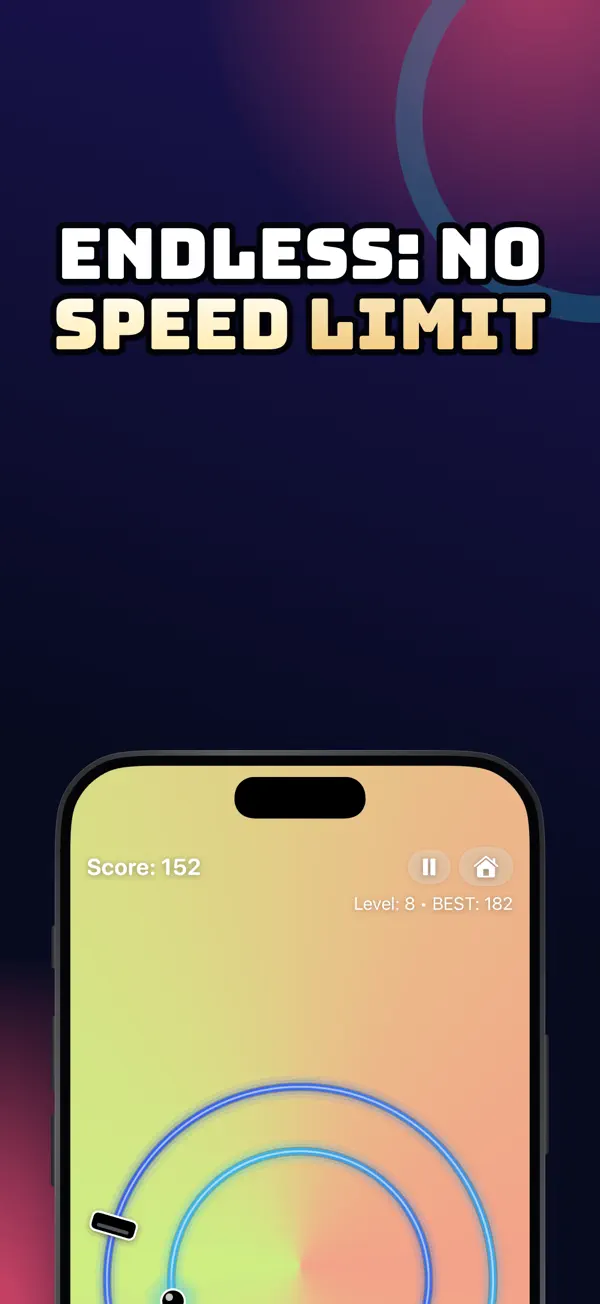
Classic is ready from the first launch. Reach level 8 to unlock Endless, which has no speed limit, and win Classic to unlock Surge, which adds sudden speed bursts. Premium adds fifteen modes that change the rules, the look and the music. The game also has fast movement and flashing colors, so take regular breaks.
Features
How to play
- Tap anywhere to flip between the inner and outer ring.
- Dodge the obstacles that race around the orbit.
- Chain three or more flips to earn a combo bonus.
- Pass three gates without flipping to earn a patience bonus.
- Difficulty climbs through fifteen levels.
Modes and starts
- Classic is ready from the first launch.
- Reach level 8 to unlock Endless, a run with no speed limit.
- Win Classic to unlock Surge, a run with sudden speed bursts.
- Fast and Turbo starts unlock as you reach level 8 and level 12.
- Premium unlocks fifteen extra modes, each with its own high score.
Feedback and feel
- Spark particles appear on every flip and near miss.
- A CLOSE! call-out rewards a near miss.
- Haptics mark flips, bonuses and crashes.
- A pause menu offers Resume, Restart and Home, with a 3-2-1 countdown before play continues.
Scores and progress
- Home screen shows your best, daily and weekly scores.
- Game Center leaderboards are available for Classic, Endless and Surge.
- Records and unlocks sync through iCloud, so a new device keeps your progress.
Settings and comfort
- Separate controls for music, sound effects, haptics and language.
- Reduce Motion is respected in menus, onboarding and the purchase screen.
- Larger buttons and clear VoiceOver labels on every screen.
Who it is for
- Good for players who want a short game between tasks.
- Good for anyone who wants to practice quick timing and see their own progress.
- Good for children, since the game is playable by children and includes a gentle Kids Mode.
- Good for players who like one-tap games with a clear score.
Privacy
Orbit Quick Flip stores high scores, combos and unlocked modes on your device, with no account and no personal profile. The game collects no personal information and no advertising identifier, and iCloud sync keeps records and unlocks with your Apple account.
Read the Orbit Flip privacy policyPrice
Orbit Quick Flip is free to play. Premium is an optional purchase that unlocks fifteen extra modes and one continue after each game over, and Apple handles all purchases.
Terms of useOrbit Flip questions, answered
Is Orbit Quick Flip a reaction time test?
It is a game, not a medical or clinical test. It shows your score, best run and combos, so you can compare your own runs over time. It does not measure your health and does not diagnose any condition.
Is Orbit Quick Flip safe for children?
The game is playable by children. It collects no personal information, no advertising identifier and no contact details. It uses fast movement and flashing colors, so take regular breaks. Stop playing and consult a doctor if you feel dizzy or your vision changes.
Does Orbit Quick Flip have ads?
No. The game contains no ads, and nothing interrupts a run. Any optional purchase is handled by Apple, and we never see your card details.
Do I need Game Center to play?
No. Game Center is optional. Sign in only if you want to publish scores to leaderboards under your Apple nickname. You can change music, sound, haptics and language in Settings at any time.
Does my progress move to a new iPhone?
Yes, records and unlocks sync through iCloud. A new device can pick up where you left off after you sign in to the same Apple account.
What iOS version does Orbit Quick Flip need?
The app needs iOS 17 or later and is rated 4+. Scores and unlocks stay with your device and your Apple account, and the game works without a separate account.
From our blog
- 4 min read
How to Improve Reaction Time With Games
Practical steps to improve reaction time with games: how to practice, how to track progress and what results really mean, with Orbit Quick Flip.
- 5 min read
One-Tap Games for Short Breaks: How to Keep Them Short
One-tap games make good short breaks. Learn how to keep play sessions short, plan breaks around work, and raise your high score with simple timing tips.
Get Orbit Flip free.
Free on the App Store for iPhone and iPad (iOS 17.0 or later). Android is coming soon.


