
MindBloom - Idea Garden
Grow Your Ideas Into Plans
Map ideas as connected nodes, grow branches and see how your thinking fits together.
MindBloom is a mind mapping app for iPhone and iPad. Start with one idea, add branches around it and connect related thoughts with clear links. Your maps stay on your device, and the app is free to start.
MindBloom screenshots
Swipe →





What MindBloom does
Mind mapping helps when your thoughts are related but not in a line. A list forces one item after another. A map lets you put a central idea in the middle and grow branches outward, so you can see which parts belong together and where the gaps are.
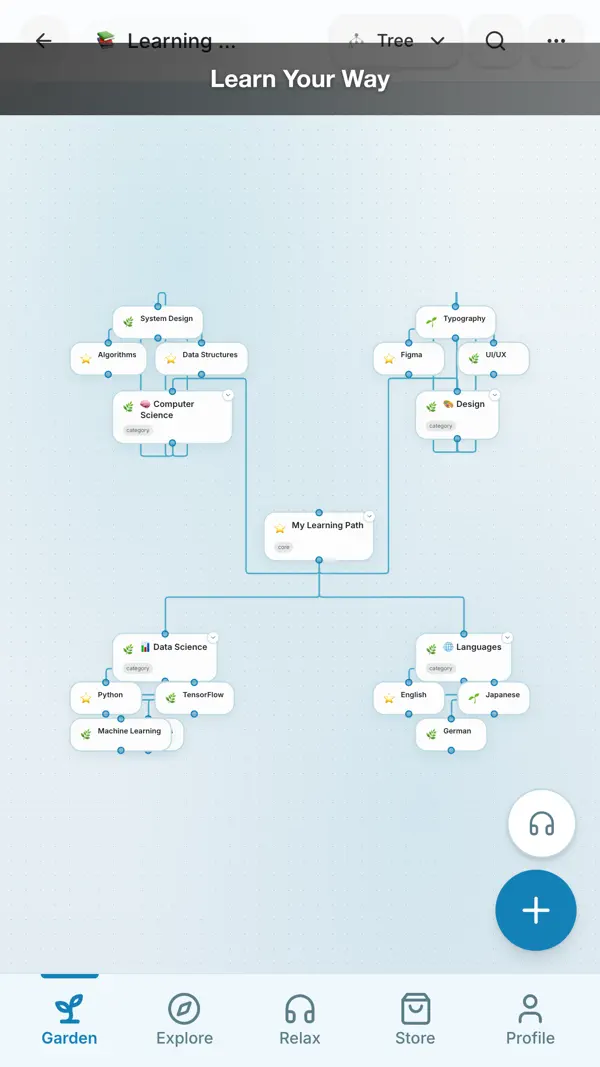
MindBloom uses a garden theme. Each idea starts as a seed and grows as you develop it. You create nodes, connect them and organize the map as it expands. The auto-layout keeps the map readable when a branch grows in an unexpected direction.
Not every thought is the same. MindBloom offers seven node types, including Idea, Step, Task, Resource and Milestone. Each node can move through five stages, from Seed to Gold. Three edge types show hierarchy, cross links and dependencies, so the map records how your ideas relate.
New to mind mapping? Our beginner's guide on the blog shows a simple method that works on paper or a whiteboard. MindBloom makes the same steps faster: add a central idea, grow branches, then turn the map into a plan.
Features
Nodes for every kind of thought
- Use Normal nodes for general thoughts and Category nodes for groups.
- Use Idea nodes for creative sparks worth exploring later.
- Use Step, Task and Milestone nodes to turn ideas into actions and goals.
Stages that track progress
- Seed marks a fresh thought, and Growing marks an idea you are developing.
- Blocked shows an idea that needs something else before it can move.
- Gold marks finished work, and Archived stores ideas for later.
Connections between ideas
- Parent edges show a clear hierarchy from one idea to its sub-ideas.
- Cross edges link ideas on different branches.
- Depends-on edges show that one idea cannot move forward without another.
AI helpers for branches
- Grow Branch suggests sub-ideas from any node.
- Organize Outline restructures a map for clarity.
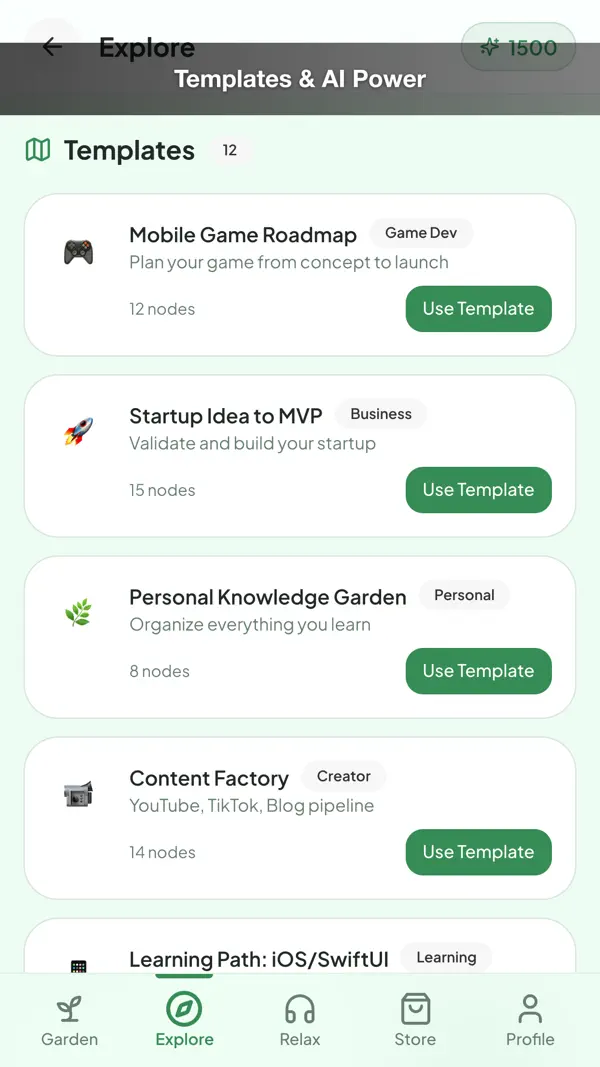
- Generate Roadmap turns one idea into steps and milestones.
Look, save and share
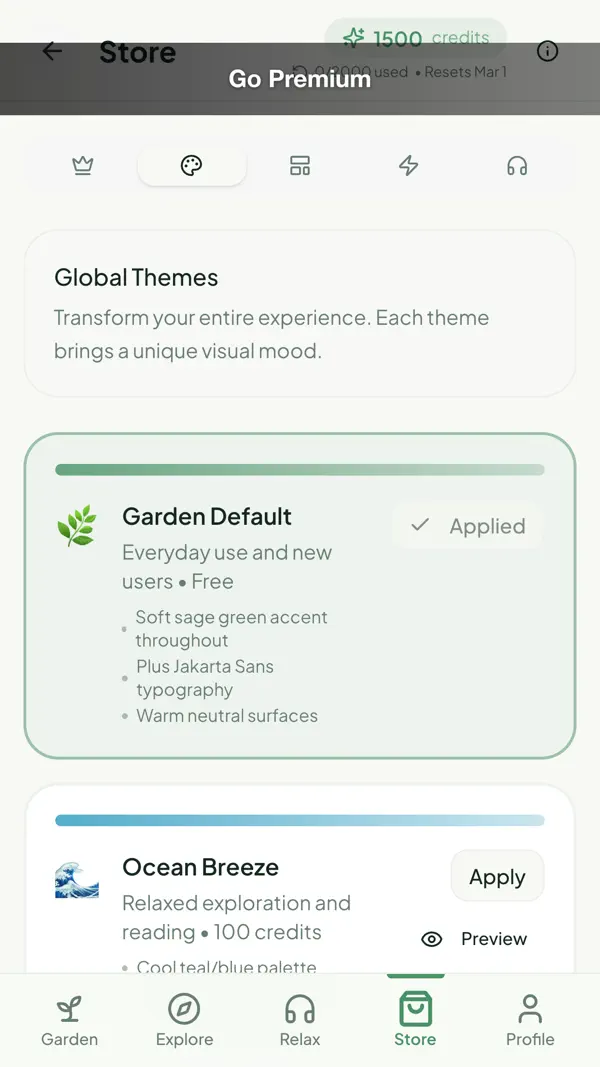
- Six themes, from Garden Default to Midnight Focus and Golden Hour.
- Export a map as an image when you want to share or print it.
- Work offline, because maps are stored on your device.
Who it is for
- Good for students planning an essay or a project.
- Good for writers outlining an article, a book or a talk.
- Good for people who think in pictures more than in lists.
- Good for planners who want ideas, steps and tasks on one map.
Privacy
MindBloom stores your maps, nodes, connections and canvases on your device, and your ideas are not uploaded to us. The app asks for Photo library access only when you export or attach a map image, and for Notifications only if you turn on reminders to return to a map.
Read the MindBloom privacy policyPrice
MindBloom is free to download. The store page describes Pro and Studio tiers with monthly and yearly options, and any purchase is handled by Apple. We never see your payment details.
Terms of useMindBloom questions, answered
Is MindBloom a free mind mapping app?
Yes. MindBloom is free to download and lets you start with a free feature set. Pro and Studio tiers add more features and are optional. Check the plan screen in the app for the current details before you buy.
Does MindBloom work offline?
Yes. MindBloom is offline first, so your maps are stored on your device. You can create and edit a map without a network connection. Some AI helpers may need a connection when you use them.
Can MindBloom generate ideas for me?
The AI helpers can suggest sub-ideas, reorganize an outline or turn one idea into a roadmap. Your own thinking stays the main work. Read each suggestion, keep the useful ones and change the rest.
Can I export my mind map?
Yes. You can export a map as an image. The app asks for Photo library access at that point, so you control when a file is saved to your photos.
What is the difference between a cross link and a depends-on link?
A cross link connects two ideas on different branches to show a relationship. A depends-on link shows that one idea cannot move forward until another idea is done. Use depends-on links for steps that block each other.
From our blog
- 6 min read
Brainstorming Techniques That Work: 6 Methods With Examples
Six brainstorming techniques that work: mind map, 5 whys, SCAMPER, reverse brainstorming, starbursting and crazy eights, each with a clear example.
- 6 min read
How to Turn Ideas Into an Action Plan, Step by Step
Turn an idea into an action plan in three steps: idea map, outline and roadmap with milestones. A worked example with an 8-week timeline and a task table.
- 4 min read
Mind Mapping for Beginners: A Simple Step-by-Step Guide
Mind mapping for beginners: start with one central idea, add branches, connect related thoughts and review your map, with a simple example and tips.
Get MindBloom free.
Free on the App Store for iPhone and iPad (iOS 16.0 or later). Android is coming soon.


